Skip to content →
OppulenceOppulence
ProductFeaturesUse casesPricingResources
Sign inStart for free
See how it works
Sign inStart for free
ProductsFeaturesUse casesHow it worksPricingDownloadResourcesSecurity

Product

The Oppulence assistantOppulence WebOppulence DesktopOppulence VoiceDownload

Features

Follow-ups and commitmentsRelationship contextWork that needs youReview and approveMeeting captureLive notes

Use cases

Founder-operatorAccount managementMeetingsResearch and verification
Sign inStart for free
Loading
Oppulence

Product

ProductsThe Oppulence assistantWebDesktopVoicePricingDownload

Features

Follow-ups and commitmentsRelationship contextWork that needs youReview and approveMeeting captureLive notesLocal vaultAgents

Use cases

Founder-operatorAccount managementMeetingsResearch

Resources

Resource hubGuidesChangelogIntegrationsSecurityCompareAnswer hubBlogCustomers

Compare

CRMMeeting notesInboxAI assistants

Company

ContactPrivacyTermsResponsible disclosureDiscord
Oppulence

© 2026 Playbook Media · Oppulence

All productsWebDesktopVoice

Bring your files into the conversation.

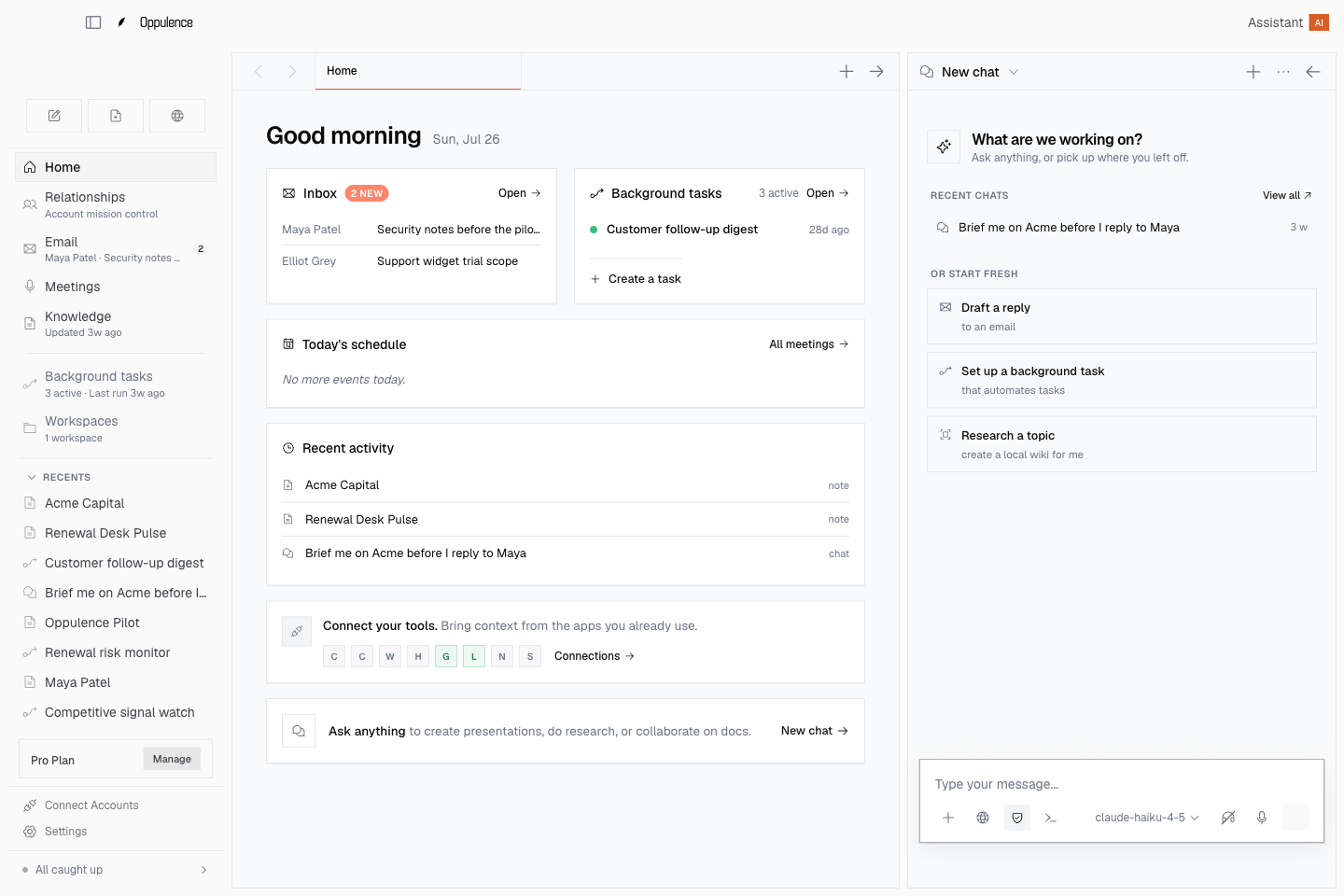
Oppulence Desktop. Email, local notes, documents, and a browser in one native workspace. Give the assistant the context you choose, work beside the original material, and stay with the task from research to reply.
Download DesktopExplore Desktop
Oppulence Desktop workspace with local notes, email, and an assistant panel using example data
Oppulence Desktop · Product preview with example data
Where it runs
macOS, Windows, and Linux releases
Best for
Local context and sustained work
Your notes
A local Markdown vault

What you can use today

Desktop brings together email, meeting capture, local Markdown notes, an embedded browser, and background tasks. Choose a supported release for your operating system.

In development. We are aligning Desktop and Web around Today, Inbox, People, Library, and Activity. Shared relationship context and action history across the full experience remain in development.

Your working notes. In ordinary files.

Keep research, customer notes, and project material in a Markdown vault you can open and back up. Ask the assistant about the material you make available, then inspect the original before relying on the answer.

  • Search local notes and documents
  • Keep the source beside the assistant
  • Open, edit, and back up your Markdown files
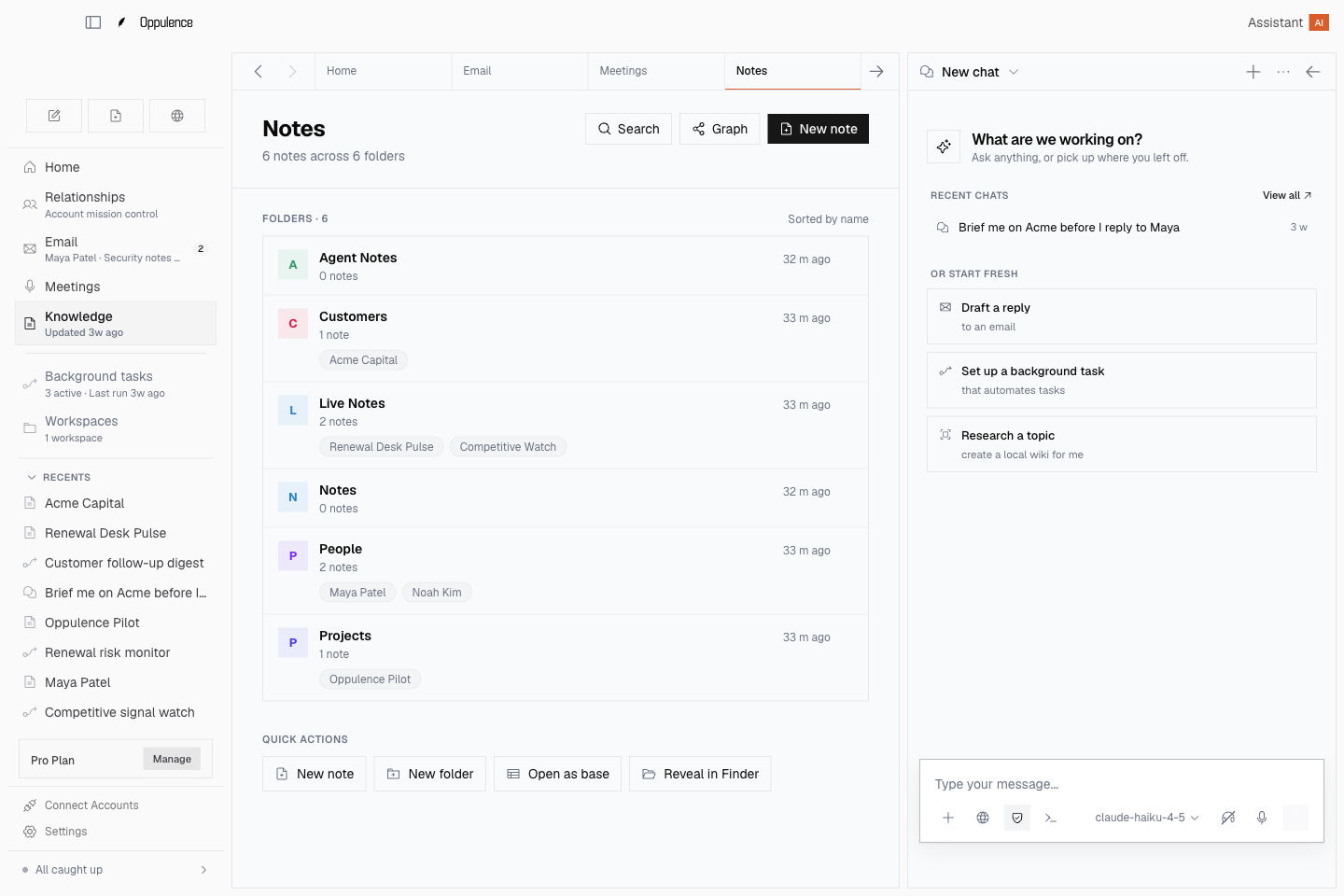
Desktop Markdown vault with customer notes, live notes, and a contextual assistant

Move from the meeting to the reply.

Keep email, captured meetings, and your notes in the same workspace. Read the thread, find the relevant material, and prepare the response with the assistant beside you. Review the wording and sources before the reply leaves your hands.

  • Work through email in the native workspace
  • Review meeting notes and transcripts
  • Keep private interpretations distinct from source evidence
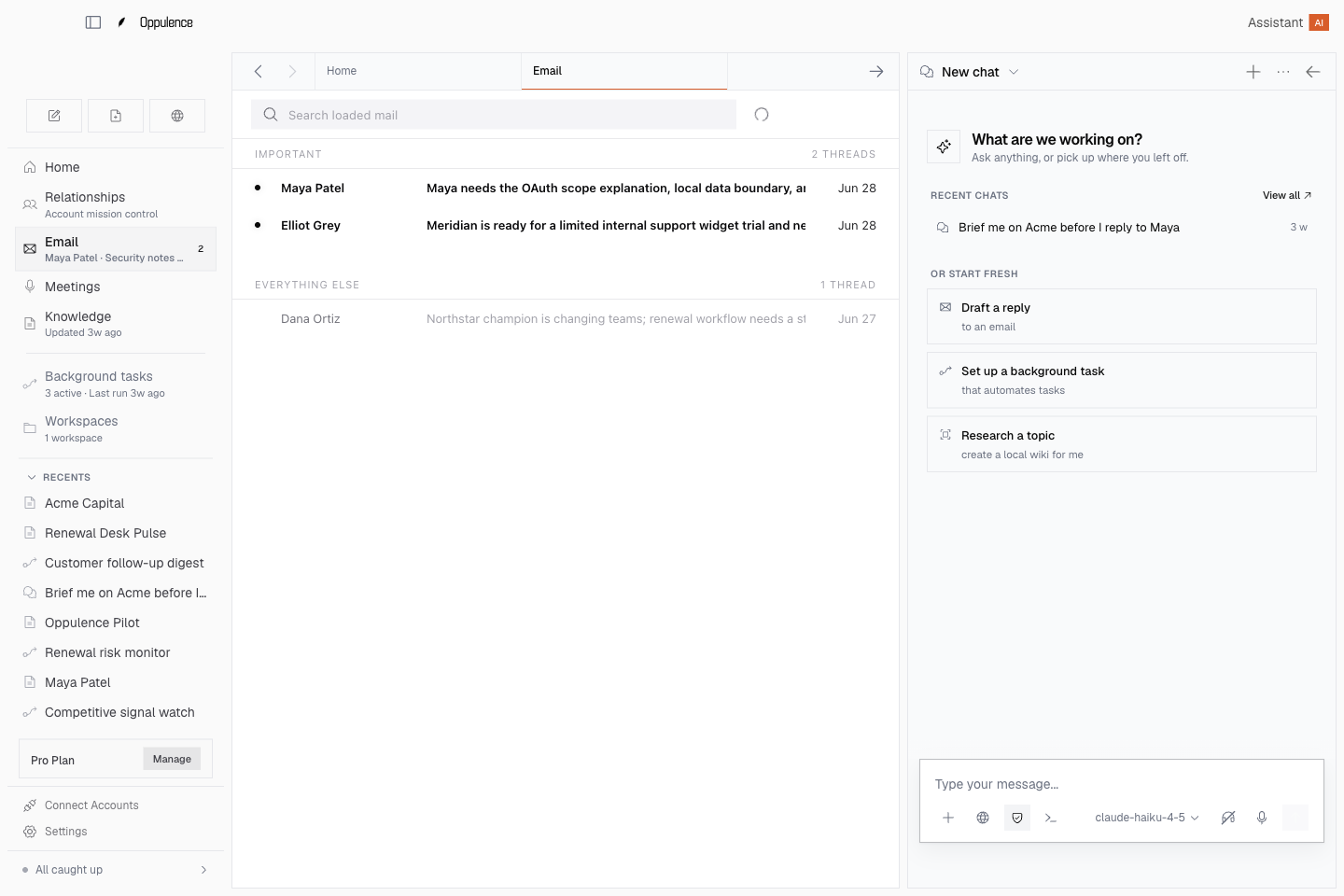
Desktop email workspace with the current conversation and assistant side panel

Stay with the task when it gets bigger.

Open a reference in the embedded browser, navigate with the keyboard, and inspect work handled by background tasks. When you need to investigate how notes connect, open the knowledge graph and follow the details.

  • An embedded browser for research
  • Background tasks with a history to inspect
  • Connected tools and an explorable knowledge graph
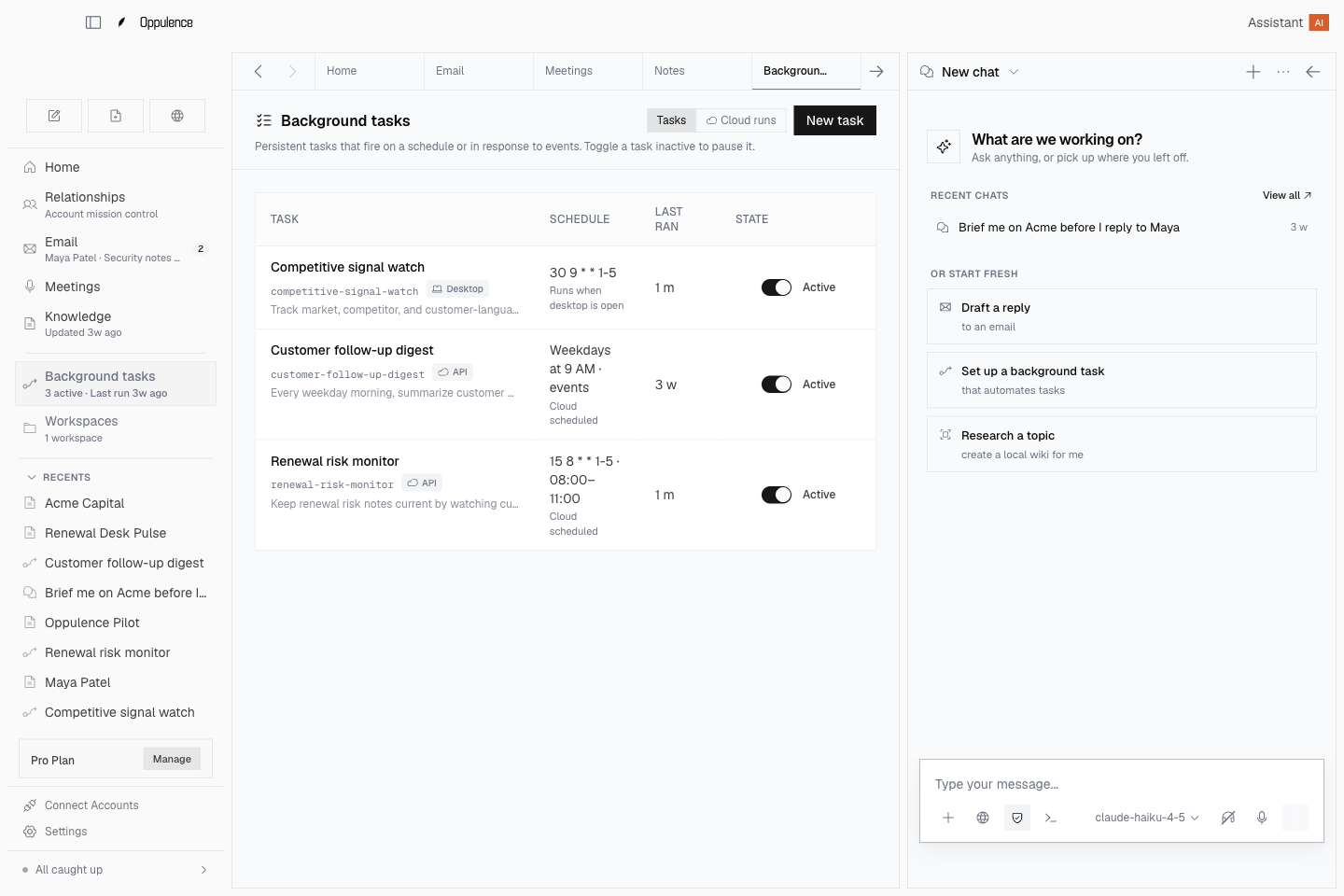
Desktop background task list showing work and run history

Get started with Oppulence Desktop.

  1. 01

    Choose your release

    Open the download page and select the available installer for your operating system.

  2. 02

    Set up your workspace

    Choose your model configuration and connect the accounts and tools you want to use.

  3. 03

    Bring in one piece of work

    Open a note, document, or email. Ask a specific question and inspect the material behind the answer.

Questions about Oppulence Desktop

Desktop adds a local Markdown vault, files on your computer, an embedded browser, native controls, and background tasks. Web is the browser workspace. We are aligning their everyday navigation and relationship workflows.

No. Local storage and local processing are different choices. Your vault can live on your computer, while a configured cloud model or connected service may receive content needed for a request. Review your provider and tool configuration.

Desktop supports configurable model providers, including supported cloud providers and local model setups. Available capabilities depend on the provider, model, and tools you configure.

Signing in does not turn your private vault into a shared library. The connected Web and Desktop experience is being developed around explicit sharing of selected material.

No. Desktop is useful on its own. Voice is a separate, optional download for global dictation, floating capture controls, and working by voice in other applications.

Give the work a little more room.

Bring your notes, files, and conversations into a workspace built for the task in front of you.

Download Desktop

Add another way to work, when you need it.

Oppulence Web

Review relationships, source evidence, and proposed actions in your browser. No desktop installation required.

Explore Web

Oppulence Voice

An optional desktop companion for dictation, meeting recording, selected-text editing, and thought capture.

Explore Voice